Reject the default AI look.
With aronia every page you build comes out looking designed, distinctive, and consistent.
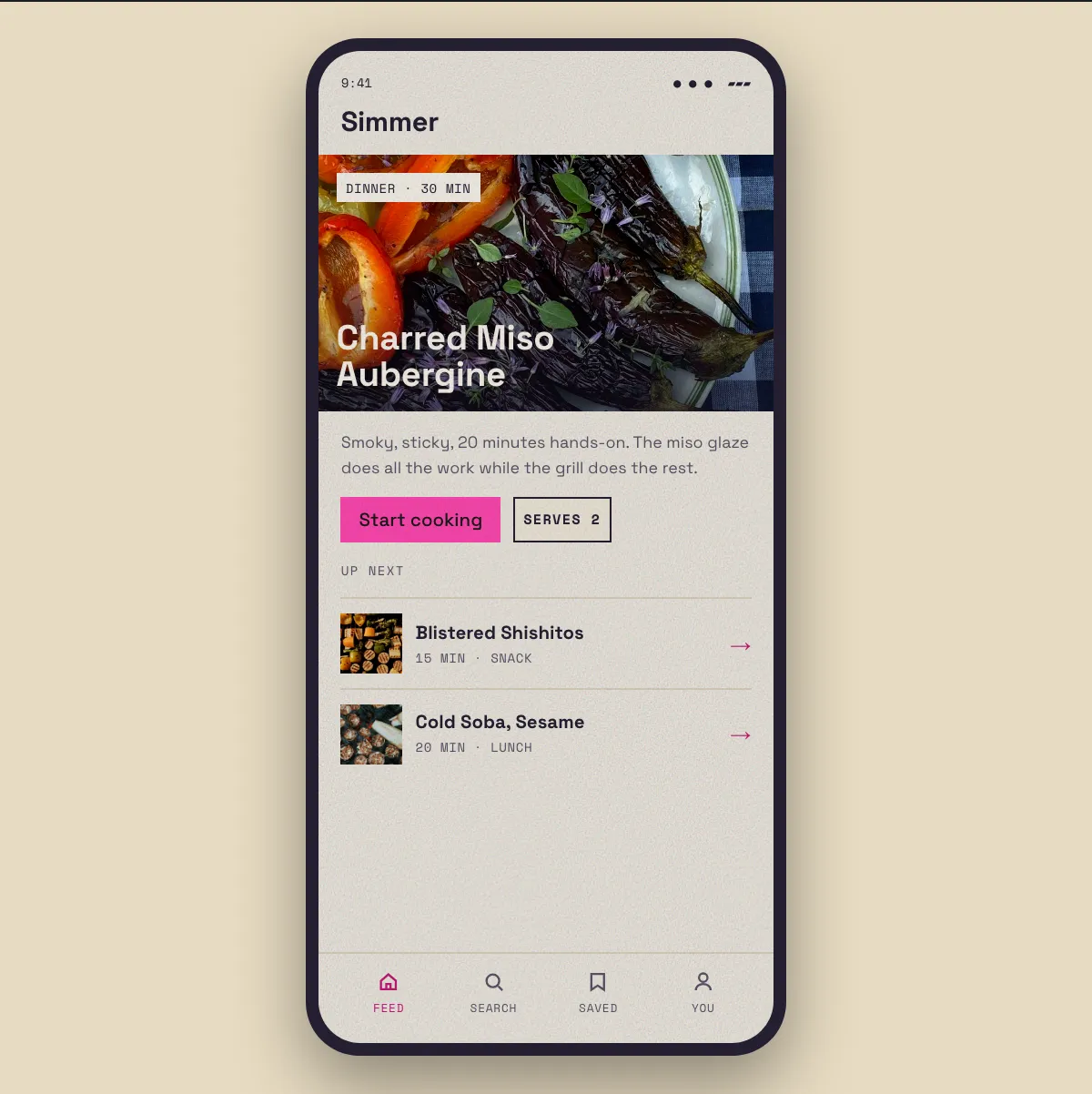
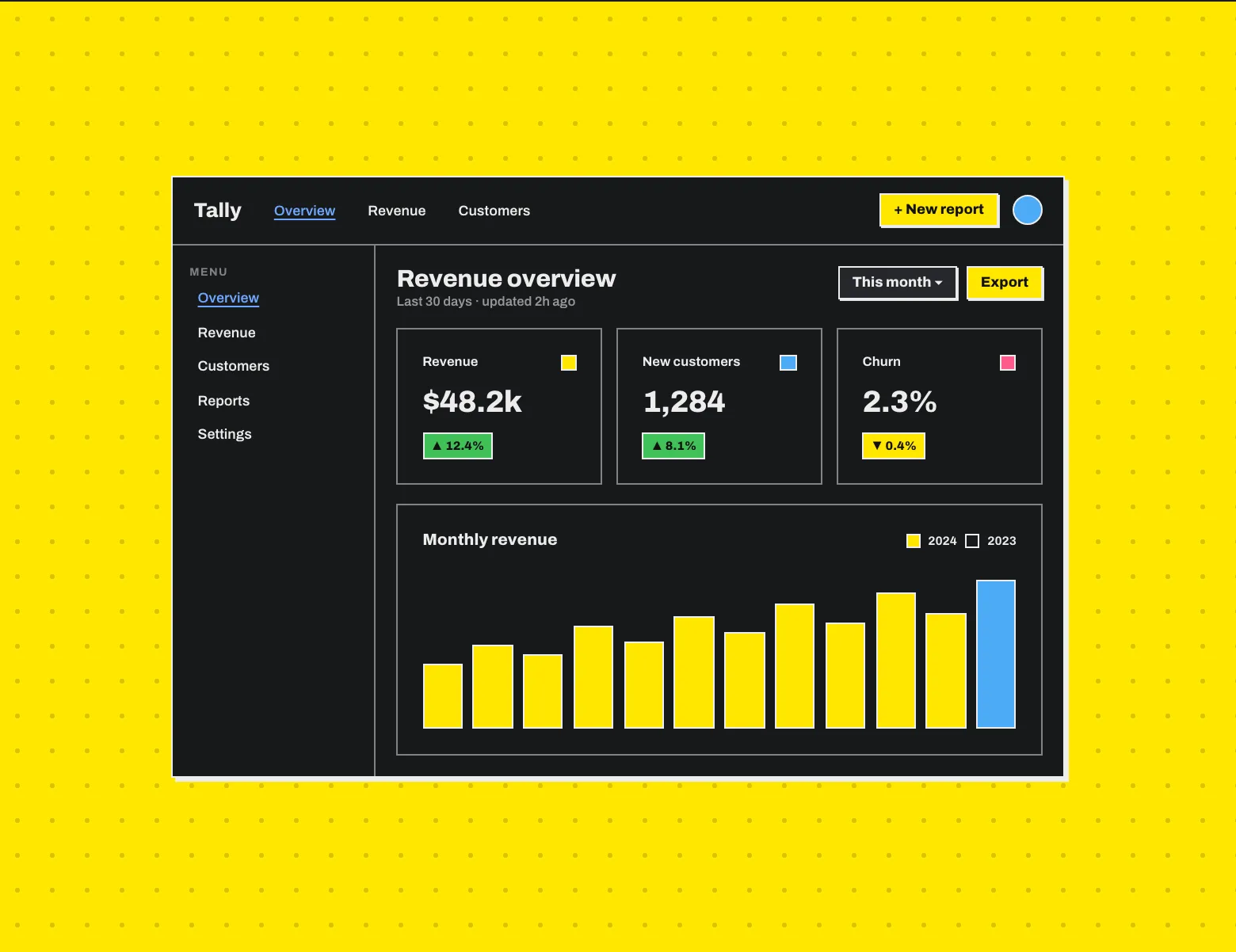
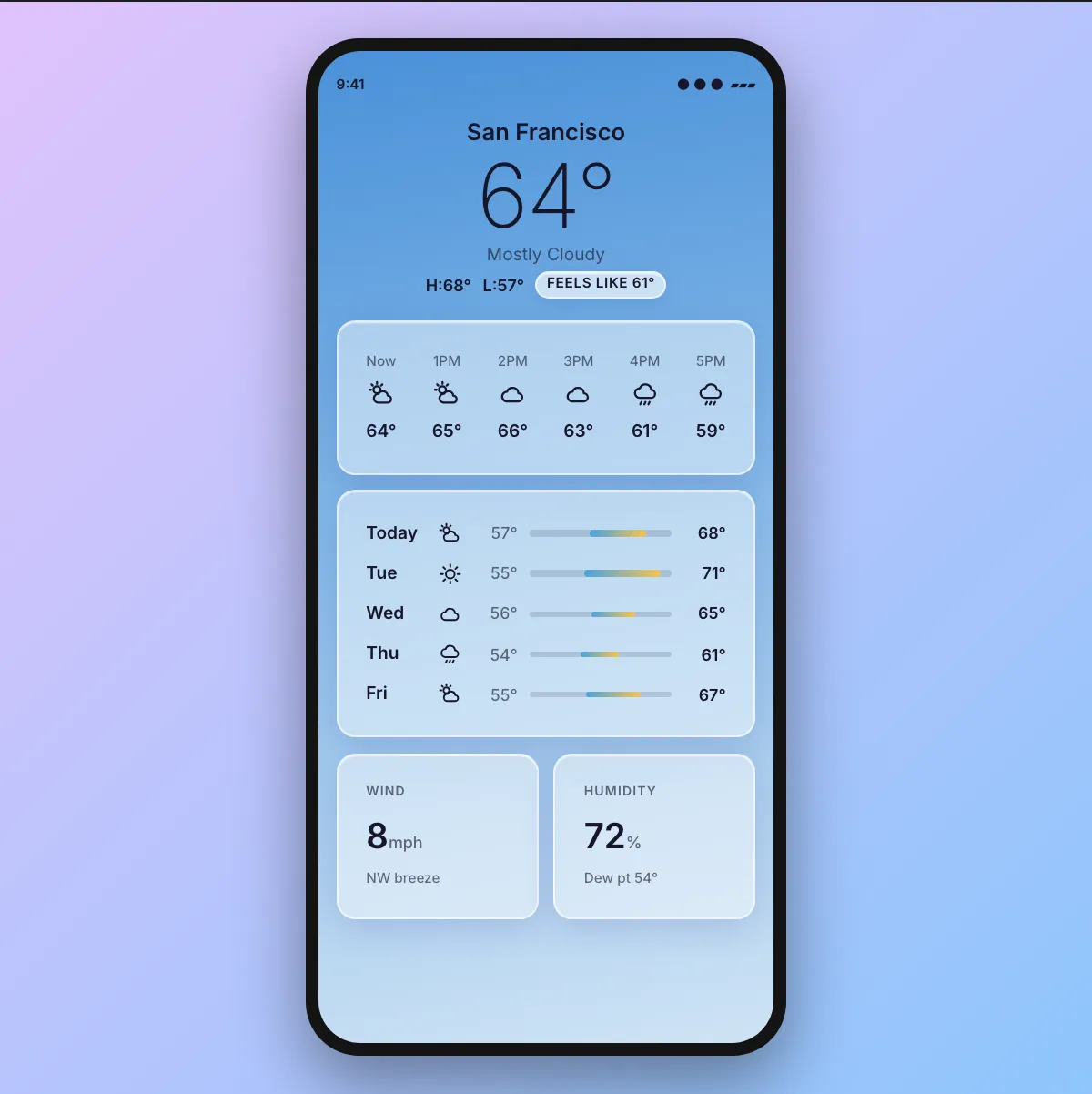
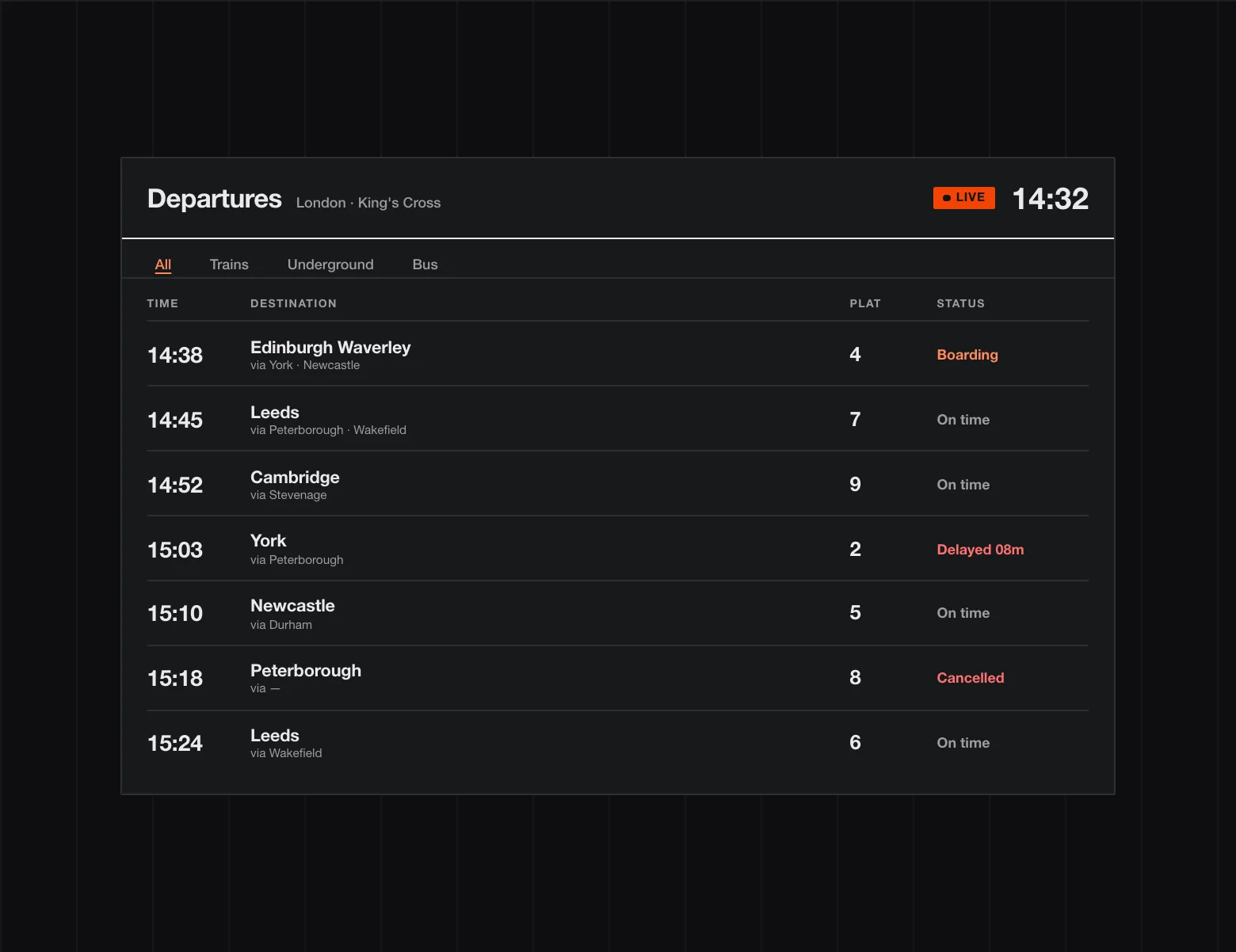
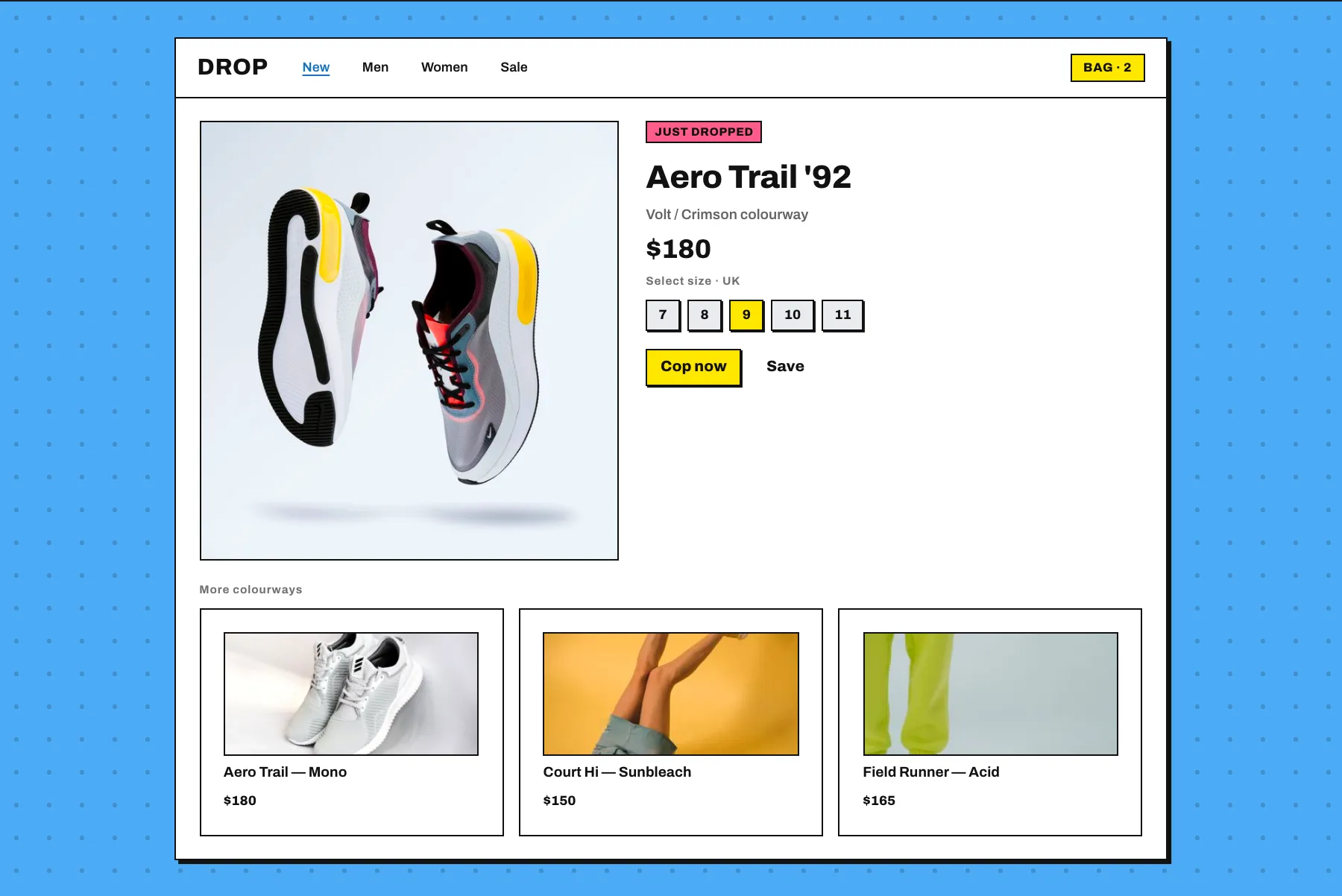
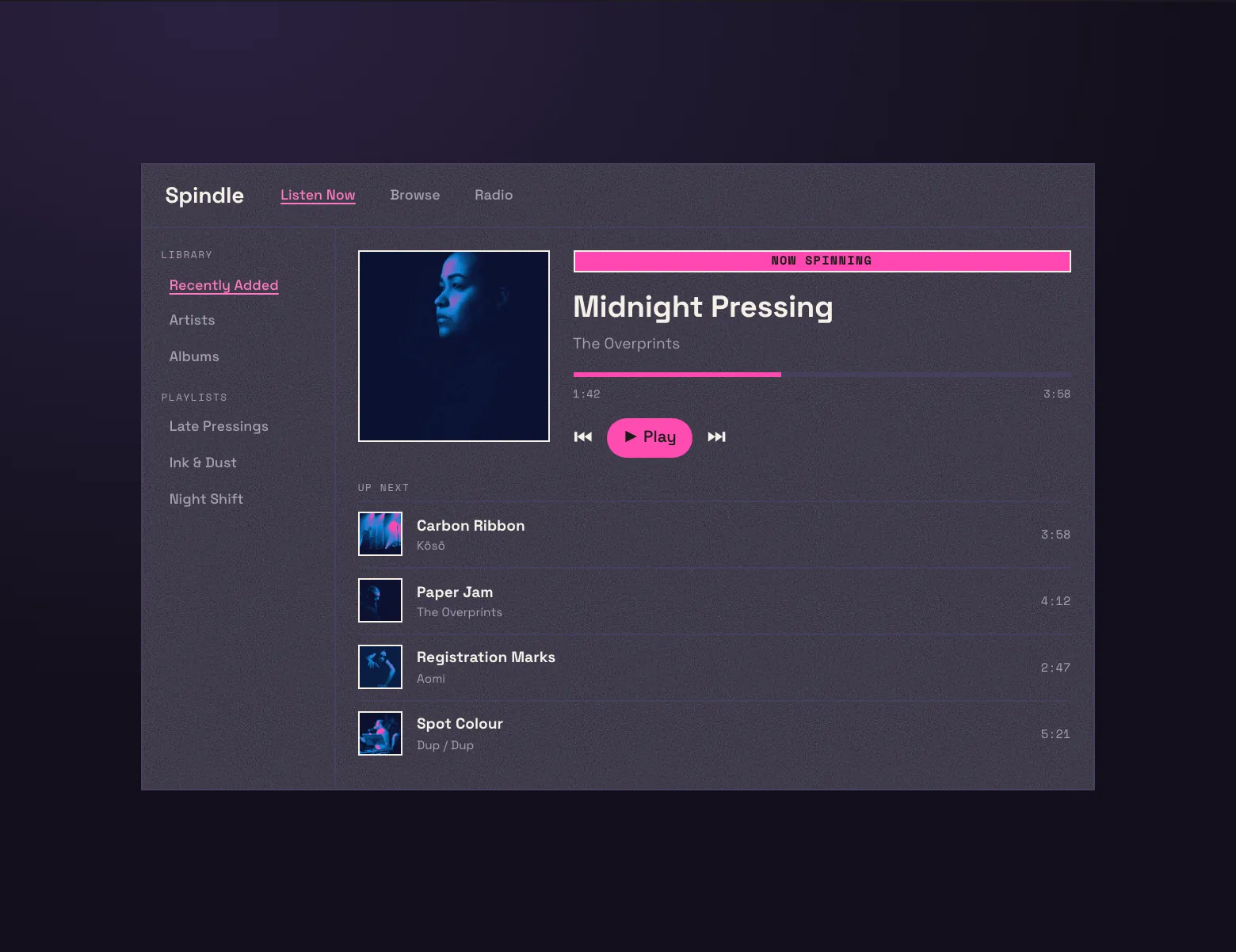
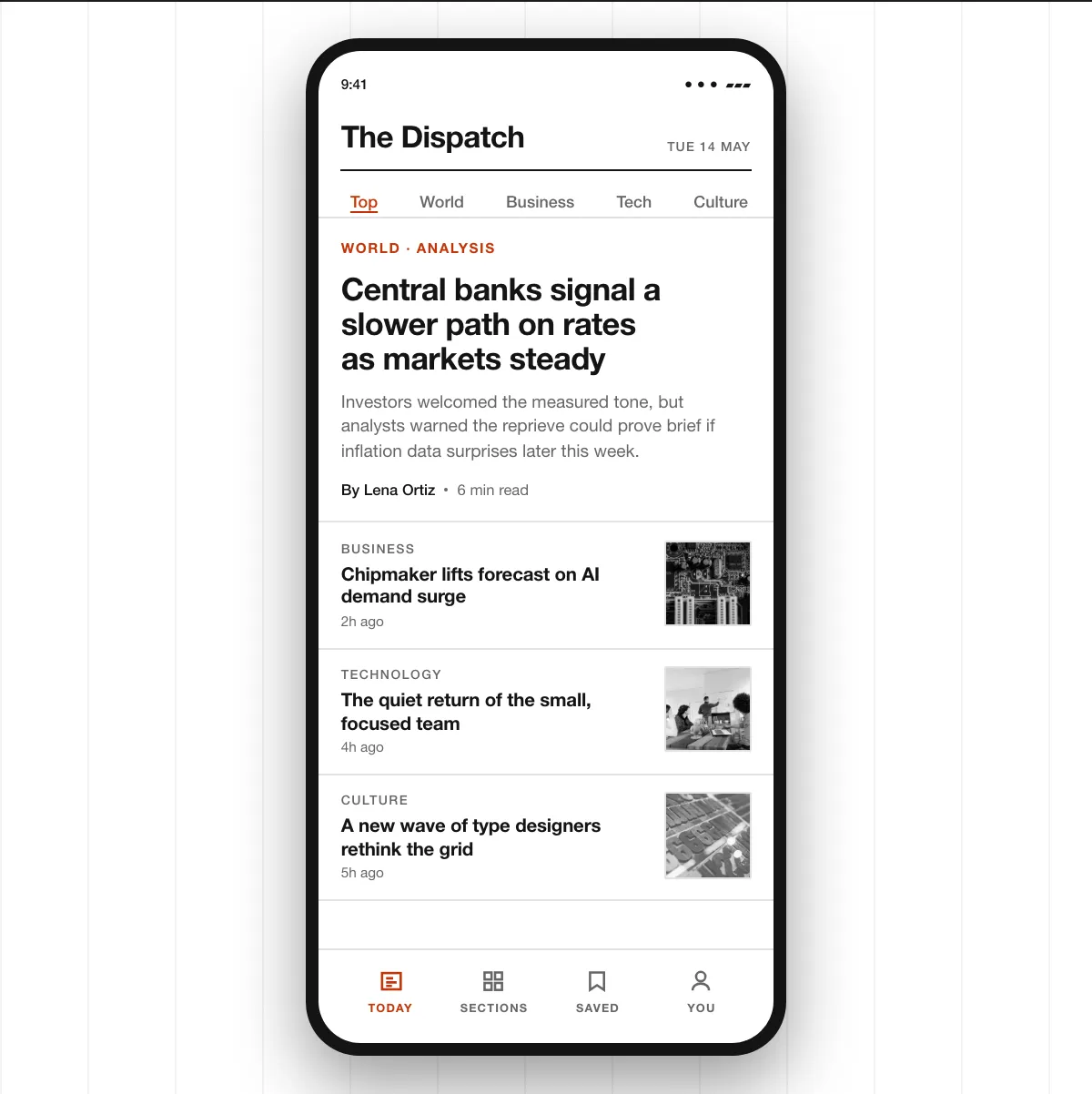
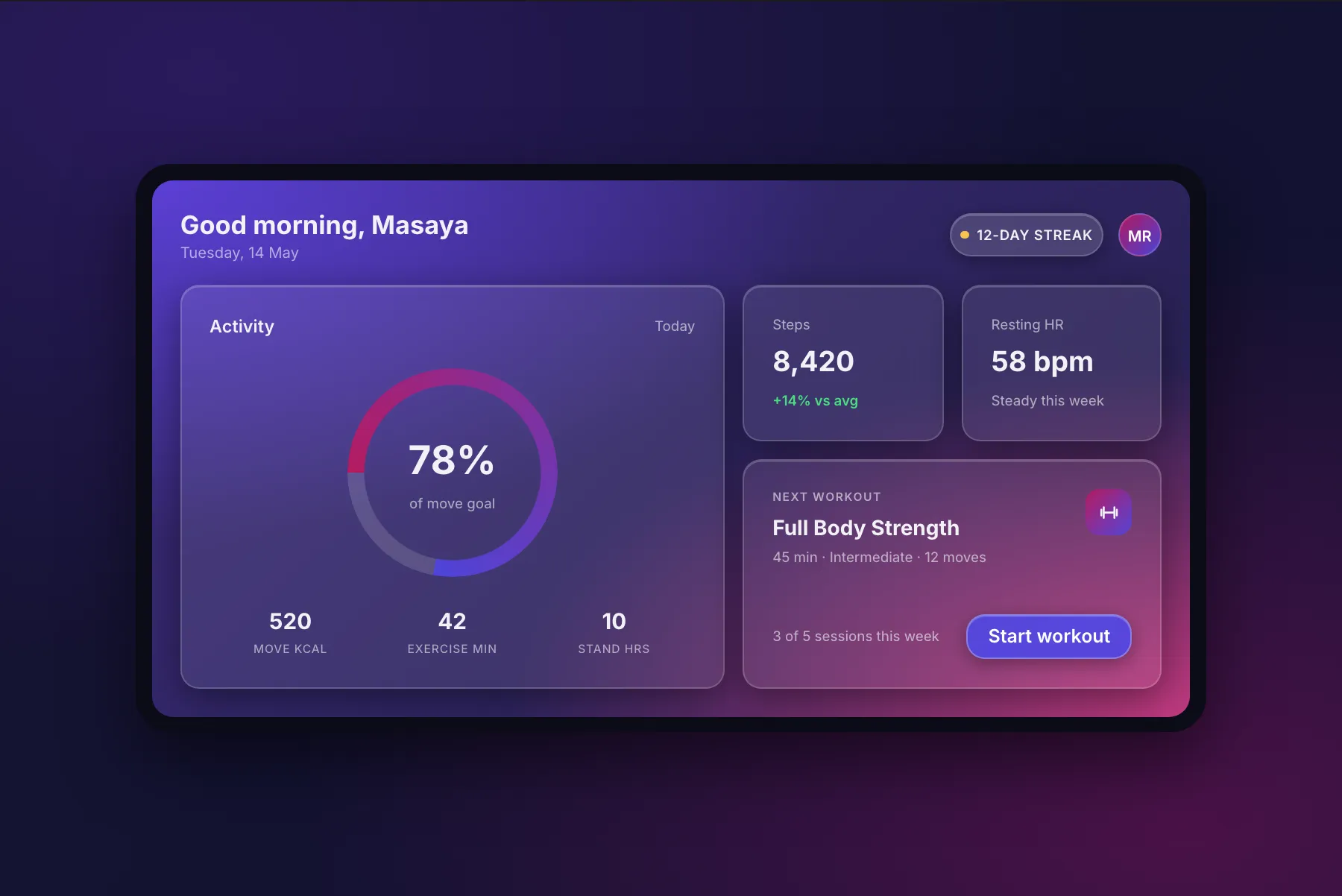
Your app works. It just looks like everyone else's.
And that's not on you. AI doesn't have a point of view so when you ask it to design something it reaches for the most common look in its training data and your website ends up looking like everyone else's.
One point of view, every screen.
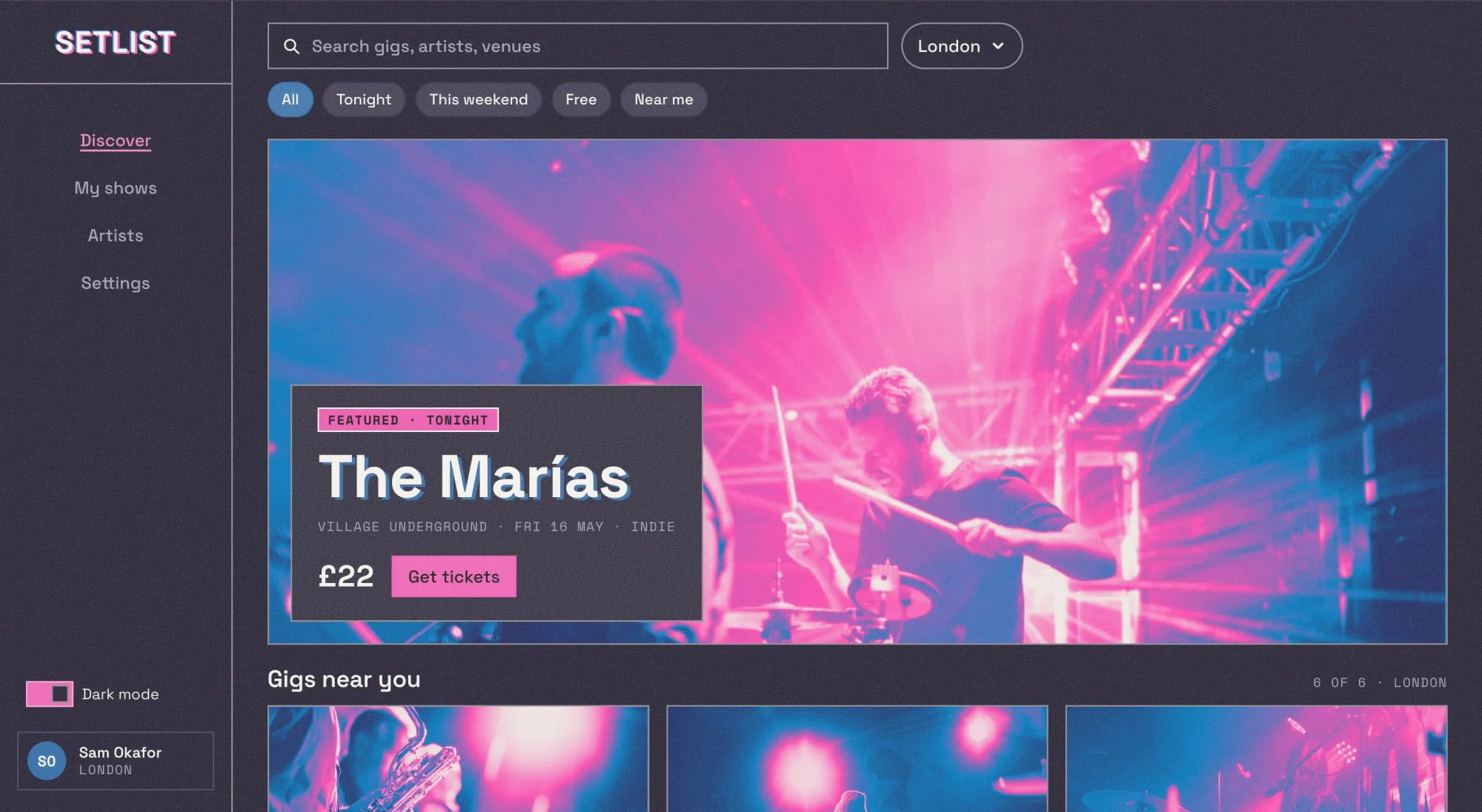
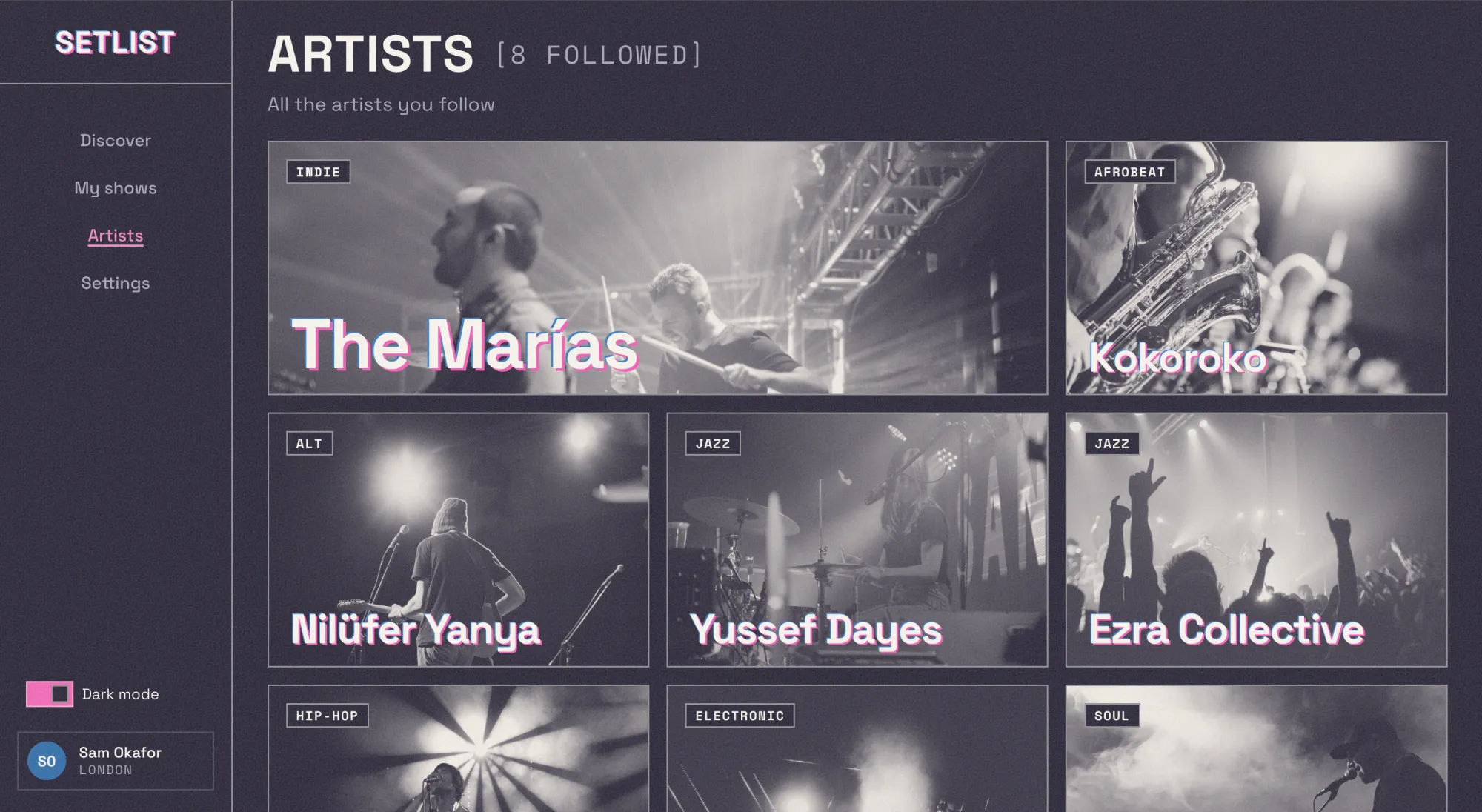
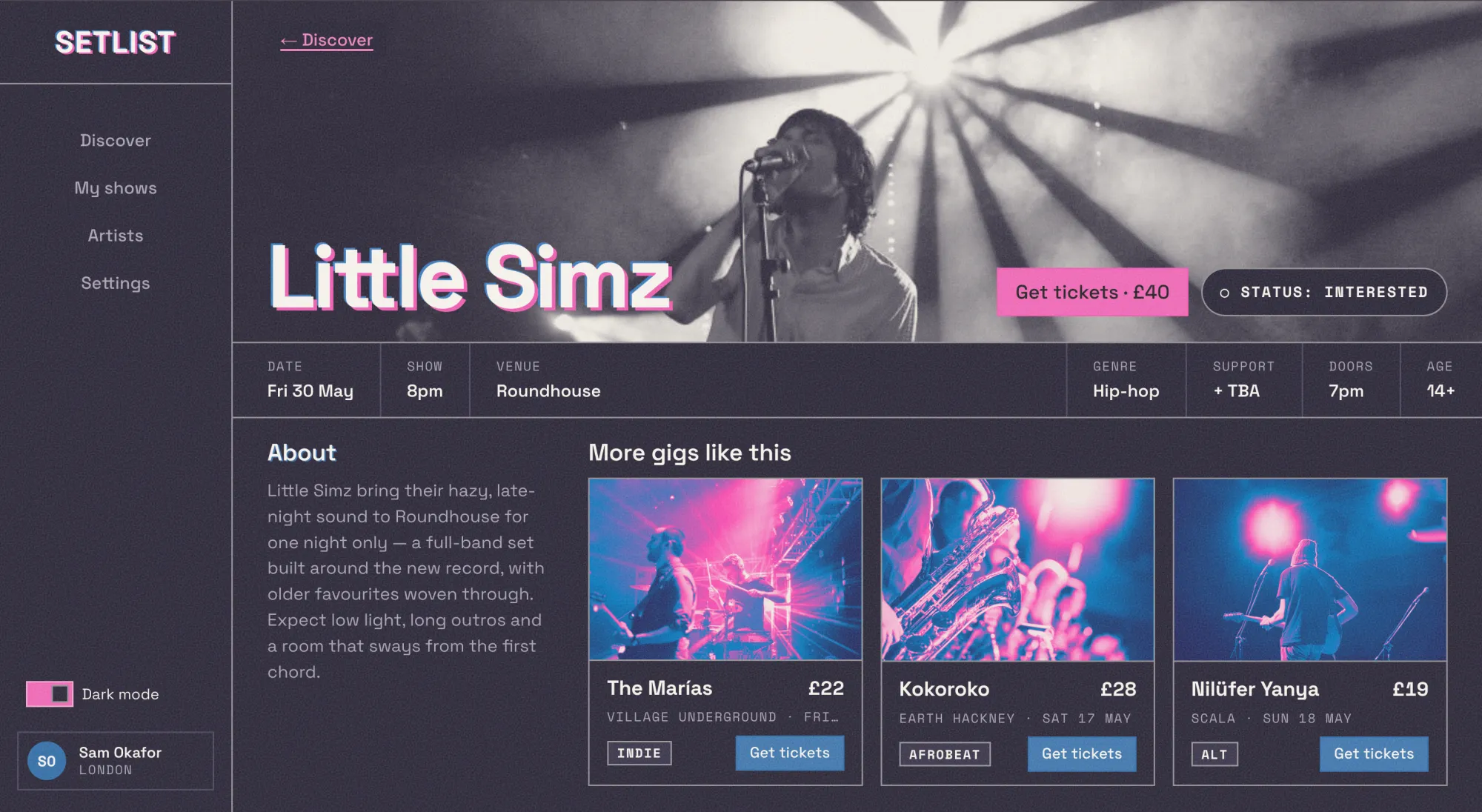
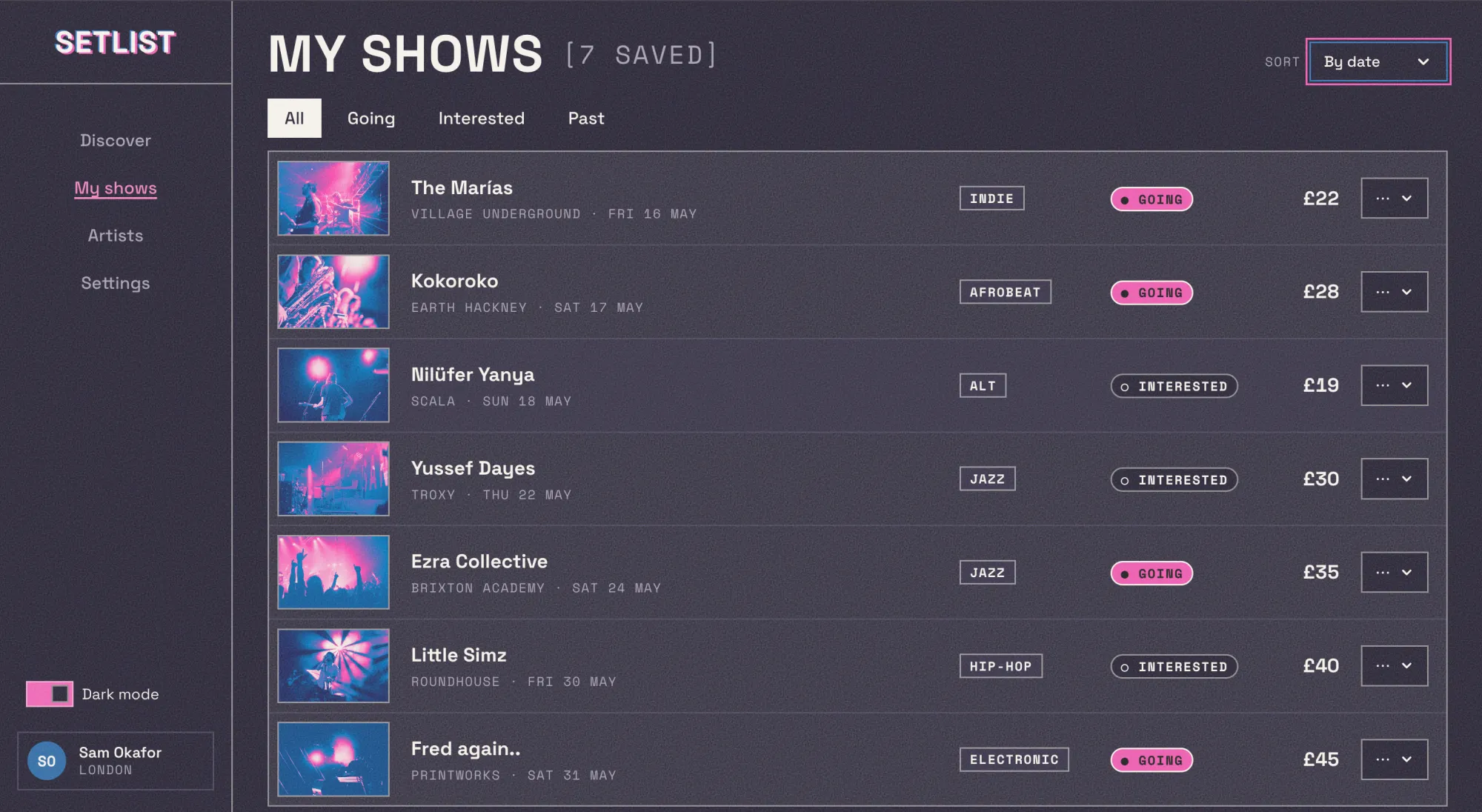
Setlist was built in a few hours with a few prompts (Opus 5.5) using aronia's Risograph look. Each screen is different, but they clearly belong together and that consistency is where AI struggles. Flip it to light mode to see that it still holds.
Three steps. No code.
All it takes is one command to set up aronia. After that, you just talk to your agent in your own words.
- 01
Run one command
npx aronia init
This command sets up aronia in your project in seconds, and it works with whatever agent you use for coding.
- 02
Pick a look
This week NewA calm home for the week — plan it, keep what matters, let the rest go.
Swiss Clean and grown-up. Calm, sharp, nothing wasted. aronia lets you choose from a variety of styles for building your project. Pick whichever one you like best.
- 03
Tell your agent
Build my landing page with aronia's risograph style.
Once you've picked a style, just tell your agent what you want it to build in that style. That's it.
Frequently Asked Questions
Do I need to know how to code?
No. aronia sets up with one command, and from there you just tell your agent what to build in plain English. You never have to open the code unless you want to.
Do I need to know design to use this?
No — that's the point. You pick the look, aronia writes the rules, and your agent follows them. You just describe what you want built.
What am I actually installing?
Real, editable code — copied straight into your project. Not a plugin, not a black box you rent. It's yours to keep and change.
Does it work with any framework I'm building with?
Yes — any framework your agent already uses: React, Svelte, plain HTML, whatever. You don’t switch anything.
Does it work with any AI coder?
Yes — any tool that can read a simple reference file: Cursor, Windsurf, v0, ChatGPT, Claude and others.
Is it free?
Yes. Free and open.
What if I want to change something?
Go for it — it's your code. Tweak a color, a corner, a font; nothing's locked. It's a starting point with taste built in, not a cage.
How is this different from a template or UI kit?
A template is one fixed design you pour content into. aronia is a whole look your agent learns and keeps applying — so every new screen still fits, instead of you hunting for a matching page.
Which look should I pick?
Whichever feels like you. And you can always try another — it's one command.
What if none of the looks fit my project?
You can mix rules between looks, or use one as a starting point and edit it. More looks are on the way.